
Microsoft PowerPoint Presentation Skills Course in Singapore

UTAP
Union Training Assistance Programme
2 DAYS
Course Days
14 HOURS
Course Duration
9:30 AM - 5:30PM
Course Timings
VENUE
10 Anson Road, 26-08A International Plaza, Singapore 079903
Course Start Date
Microsoft PowerPoint Presentation Skills
By the end of this 2-day PowerPoint training course, participants will be able to confidently create and deliver professional presentations that clearly communicate key messages using text, graphics, animations, and design elements. Specifically, participants will be able to:
Get familiar with the basic features and functions of PowerPoint 2016.
Create a professional PowerPoint presentation from scratch. Add advanced text editing.
Import graphics, audio and video to a presentation.
Modify objects in a presentation.
Create tables to a presentation.
Add charts to a presentation.
Prepare to deliver an exclusive presentation.
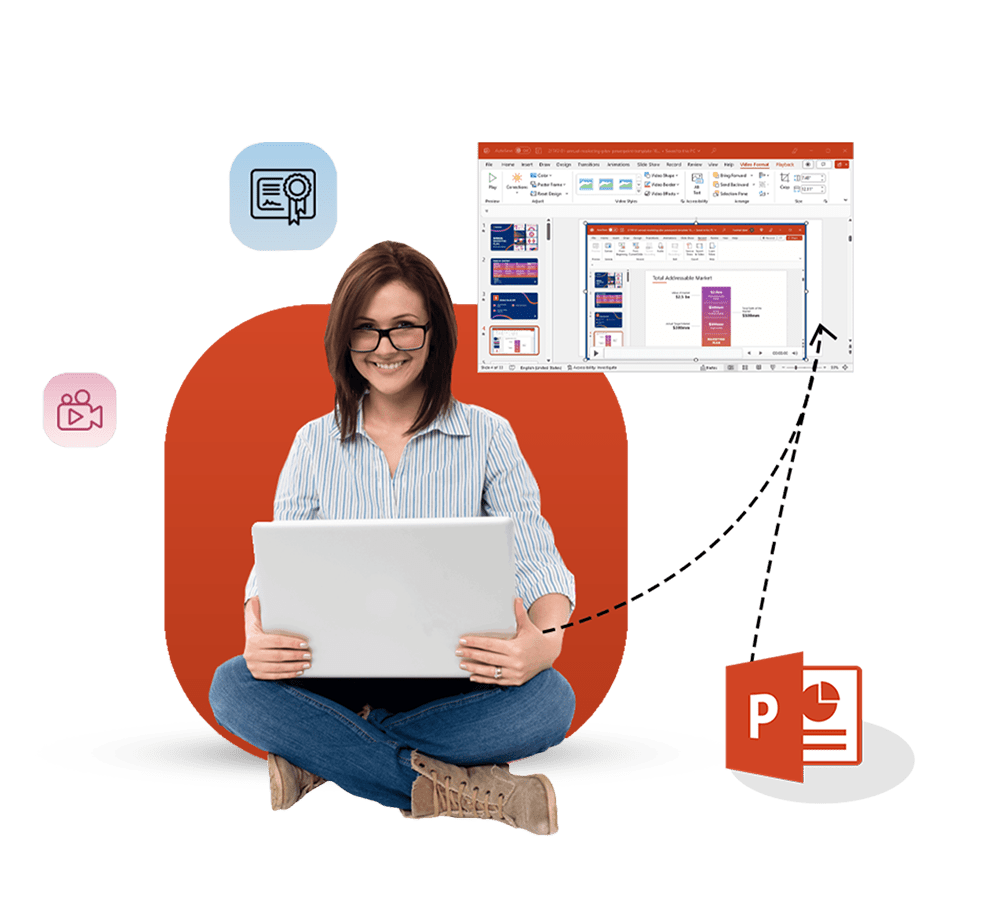

Course Objectives:
Presentations are part of everyday life. Whether you’re making a presentation in a meeting or training sessions, or you’re making a pitch. Often you are expected to build a presentation in a short amount of time, for numerous different audiences, and with sometimes sensitive content.
This can feel like a lot, but doesn’t have to be life this at all.
With PowerPoint 2021, you have everything you need to create concise, captivating, and professional presentations without spending time on unnecessary elements.
Get advice on how to build slides that pop, gain audience traction, and get your message across successfully.
Target Student
This course is ideal for anyone looking to build a solid foundation in PowerPoint and learn how to create engaging, multimedia-rich presentations.
Prerequisites
To get the most out of this course, you should be comfortable using a Windows® computer — including starting and switching between programs, finding saved files, closing applications, and browsing the internet.

Who Should Attend This Microsoft Powerpoint Courses Singapore
Microsoft PowerPoint courses Singapore is ideal for those who wants to learn or need to design presentations.
Analyst
Turn insights into strategy
Business professionals
Drive smarter decisions
Entrepreneur
Innovate with AI power
Training Professionals
Upskill the future workforce
Student
Kickstart your AI journey
Entry Requirements

Above 16 years old

High School Level English

Basic internet & computer operation skills
Course Completion Requirements
Minimum 75% attendance is required in order to complete the course and receive the course completion certificate
Training fee: Microsoft Powerpoint Courses Singapore
Before funding Bundle Course Fee: $475.00/pax + 9% GST
| Self-sponsor/ Non-SME Company Sponsor | SME Company Sponsor | |||
|---|---|---|---|---|
| Full Course Fee (no funding) |
Age 21-39 S/PRs (SkillsFuture Funding Baseline) |
Age 40 above (SkillsFuture Mid-career Enhanced Subsidy) |
SME Company Sponsor (SkillsFuture Enhanced Training support for SMEs) |
|
| Full Course Fee (bef funding) | $475.00 | $475.00 | $475.00 | $475.00 |
| SkillsFuture Funding (WSQ) | - $0.00 | - $237.50 | - $332.50 | - $332.50 |
| GST (On Full Fee) | + $42.75 | + $42.75 | + $42.75 | + $42.75 |
| Total Payable (After Funding and GST Included) |
$517.75 (After Funding and GST Included) |
$280.25 (After Funding and GST Included) |
$185.25 (After Funding and GST Included) |
$185.25 (After Funding and GST Included) |
Payable amount after WSQ funding is eligible for further support from SFEC, SkillsFuture, PSEA & UTAP where applicable
Grants available
Microsoft PowerPoint Course Outlines
BASIC LEVEL
Lesson 1: Getting Started with PowerPoint
- Navigate the PowerPoint Environment
- View and Navigate a Presentation
- Create and Save a Basic Presentation
- Navigate in PowerPoint for the Web
- Use PowerPoint Help
Lesson 2: Modifying Graphical Elements
- Create Presentations
- Edit Text
- Work with Slides
- Design a Presentation
Lesson 3: Formatting Text
- Format Characters
- Format Paragraphs
Lesson 4: Adding and Arranging Graphical Elements
- Insert Images
- Insert Shapes
- Create SmartArt
- Insert Icons and 3D Models
- Size, Group, and Arrange Objects
Lesson 5: Developing a PowerPoint Presentation
- Format Images
- Format Shapes
- Data Type Conversion
- Customize SmartArt
- Format Icons, Format 3D Models
- Animate Objects
Lesson 6: Preparing to Deliver Your Presentation
- Review Your Presentation
- Apply Transitions
- Print or Export a Presentation
- Deliver Your Presentation
DAY 2 INTERMEDIATE LEVEL
Lesson 1: Customizing Design Templates
- Modify Slide Masters and Slide Layouts
- Modify the Notes Master and the Handout Master
- Add Headers and Footers
Lesson 2: Adding Tables
- Create a Table
- Format a Table
- Insert a Table from Other Microsoft Office Applications
Lesson 3: Adding Charts
- Create a Chart
- Format a Chart
- Insert a Chart from Microsoft Excel
Lesson 4: Working with Media
- Add Audio to a Presentation
- Add Video to a Presentation
- Add a Screen Recording
Lesson 5: Building Advanced Transitions and Animations
- Use the Morph Transition
- Customize Animations
Lesson 6: Collaborating on a Presentation
- Review a Presentation
- Co-author a Presentation
Lesson 7: Customizing Presentation Delivery
- Enhance a Live Presentation
- Record a Presentation
- Set Up a Slide Show
Lesson 8: Modifying Presentation Navigation
- Divide a Presentation into Sections
- Add Links
- Create a Custom Slide Show
Lesson 9: Securing and Distributing a Presentation
- Secure a Presentation
- Create a Video or a CD

See how MOCD Studio’s courses help our students grow and succeed
I took an Excel course at MOC Studio, and it was extremely beneficial. The trainer explained everything from basic to advanced features like VLOOKUP, Pivot Tables, and Macros in a simple and easy-to-understand way.
The course fees at MOC Studio were fully covered by SkillsFuture Credit. This is a great opportunity if you are a Singapore resident looking to enhance your skills.
The course material was well-organized, covering key areas such as Excel interface, data entry, formulas, and reporting. It made learning structured and effective.
The trainers were not only highly skilled in their subjects but also provided personalized assistance, making complex concepts easy to understand.
MOC Studio offers both online and offline training options, allowing students to choose according to their convenience and learning preferences.
I took an Excel course at MOC Studio, and it was extremely beneficial. The trainer explained everything from basic to advanced features like VLOOKUP, Pivot Tables, and Macros in a simple and easy-to-understand way.
The course fees at MOC Studio were fully covered by SkillsFuture Credit. This is a great opportunity if you are a Singapore resident looking to enhance your skills.
Top Most Related Courses

LCCI Level 3 Group Diploma for Certification in Accounting
In the LCCI Level 3 Accounting Course, you’ll learn the key principles of accounting, how to handle financial transactions, and...
Read More
Accounting and Finance for Non-Financial Professional
UTAP Union Training Assistance Programme Quick Enquiry Registration 2 DAYS Course Days 14 HOURS Course Duration 9:30 AM – 5:30PM...
Read More
Learn Best Bookkeeping Course in Singapore
UTAP Union Training Assistance Programme Quick Enquiry Registration 3 DAYS Course Days 21 HOURS Course Duration 9:30 AM – 5:30PM...
Read More
Personal Income Tax Training Course Singapore
Personal Income Tax Training covers everything you need to know about tax obligations, from filing requirements to deductions and credits...
Read More
Goods and Services Tax (GST) Course in Singapore
UTAP NTUC members can claim up to 50% of the unfunded course fees. Quick Enquiry Registration 1 DAYS Course Days...
Read More